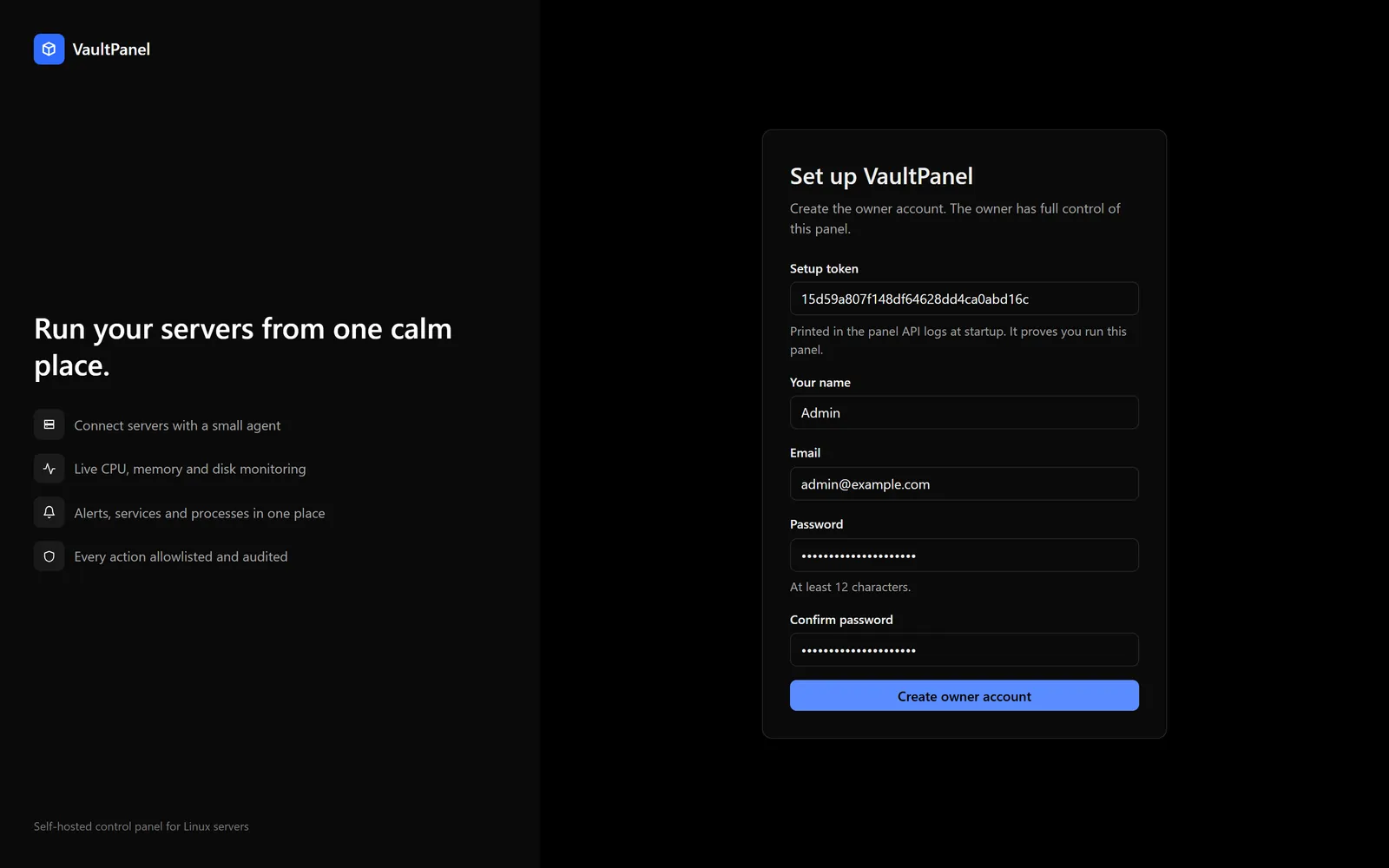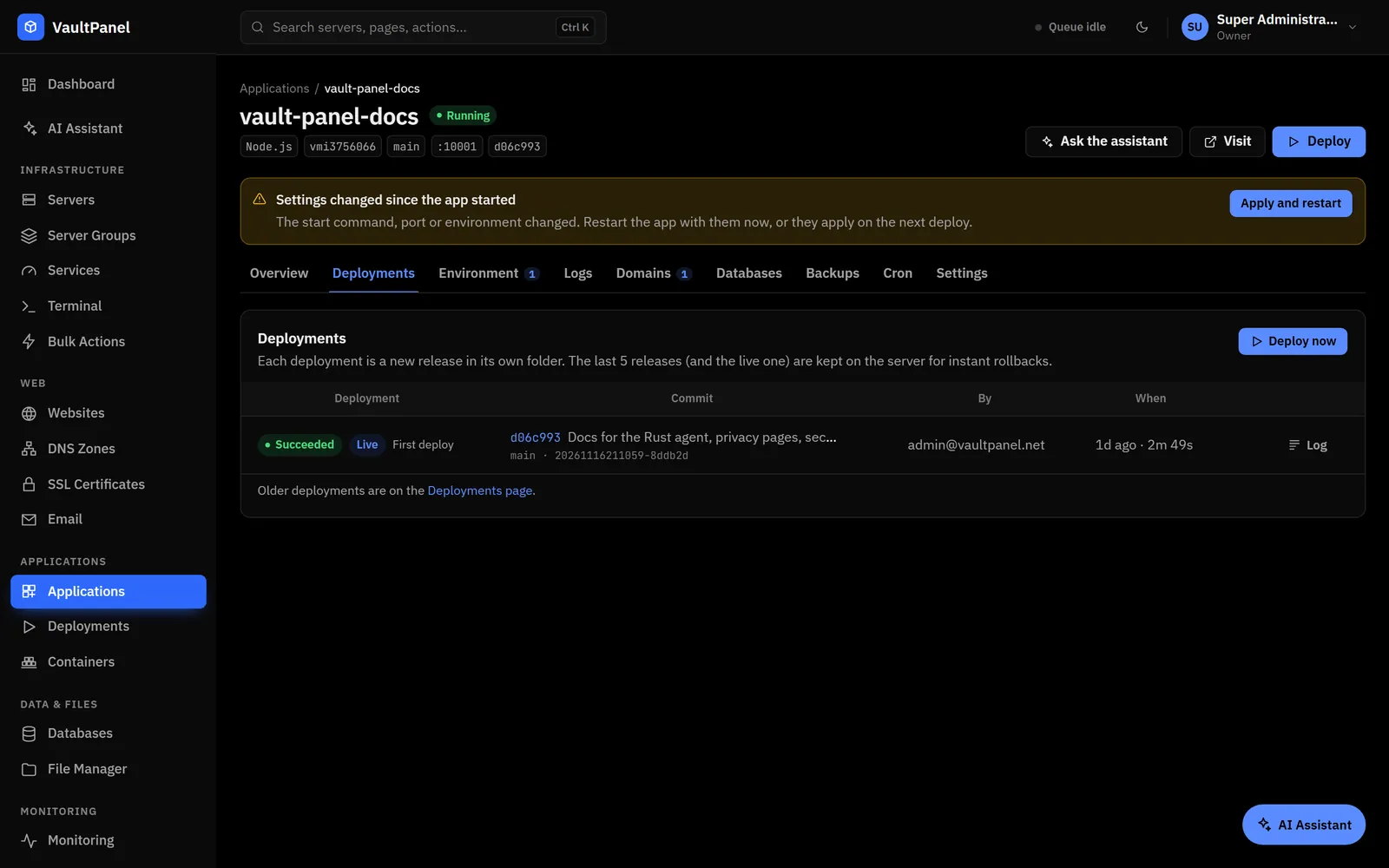
A server control panel is, by design, a program that can change everything on your servers. That makes its security model the most important thing about it. This article explains how VaultPanel is built so that the panel can manage servers as root without being a remote shell.
Two parts: the panel and the agent
VaultPanel is split into a control plane, the panel, and a small agent on each server it manages.
| Part | What it does |
|---|---|
| Web interface | The React app you use in the browser. |
| API | The Express API behind the web interface, the CLI, the SDK and plugins. It runs as the unprivileged vaultpanel user. |
| Worker | Background work such as scheduled backups, webhook deliveries and alert rules. |
| Agent | One program written in Rust on each server, for x86-64 or arm64, with nothing else to install. |
The panel decides what should happen. The agent does it, using only fixed commands from a catalog both sides agree on.
The agent connects out
Agents open every connection themselves. Every 15 seconds an agent sends a heartbeat with system information, metrics and the state of its services, and it long-polls the panel for work.
That has a practical consequence: a managed server needs no inbound port for VaultPanel. There is no agent port to firewall, scan or expose.
Each agent has its own Ed25519 key pair and signs every request: the method, path, timestamp, a nonce and a hash of the body. The panel checks the signature, a five-minute clock window, and that the nonce was never used before, so a captured request cannot be replayed.
Every change is a signed job
When you create a website, deploy an app or restart a service, the panel turns it into a job:
- The panel checks that the operation is in the catalog, that you have the permission for it, and that the parameters are valid. It refuses a duplicate of a job that is still running.
- When the agent claims the job, the panel sends it in an envelope signed with the panel's key, which the agent pinned when it registered.
- The agent verifies the signature, that the job is addressed to its own server and has not expired, and validates the parameters again against its own allow-list.
- It runs fixed commands without a shell, streams the log back and reports the result.
There is no endpoint that runs arbitrary commands, on the panel or on the agent. The single deliberate exception is the browser terminal, which only owners can open, and whose sessions can be recorded.
Least privilege on both sides
On managed servers, the agent that talks to the panel runs as its own vaultpanel-agent user with no capabilities. A separate root helper, on a local socket, has no connection to the panel at all, and runs only jobs whose signature it has checked itself. Compromising the network-facing process does not hand over root.
On the panel's server, the web interface, API and worker run as the unprivileged vaultpanel user in a systemd sandbox: no capabilities, a read-only system, and write access only to the panel's own folder. The panel serves HTTPS from its very first start.
A record of everything
Jobs are stored in the panel's database, so you can follow each one live and read its log afterwards under Monitoring > Jobs. Every change is also written to the audit log. Passwords, environment values and file contents in a job's parameters are redacted once the job ends.
Add the panel's account controls (two-factor sign-in with recovery codes, passkeys, roles, a session list and panel access limited by IP address) and you get a clear answer to the question every operator eventually asks: who changed what, and when?
Securing the servers themselves
The same job system powers VaultPanel's server hardening tools:
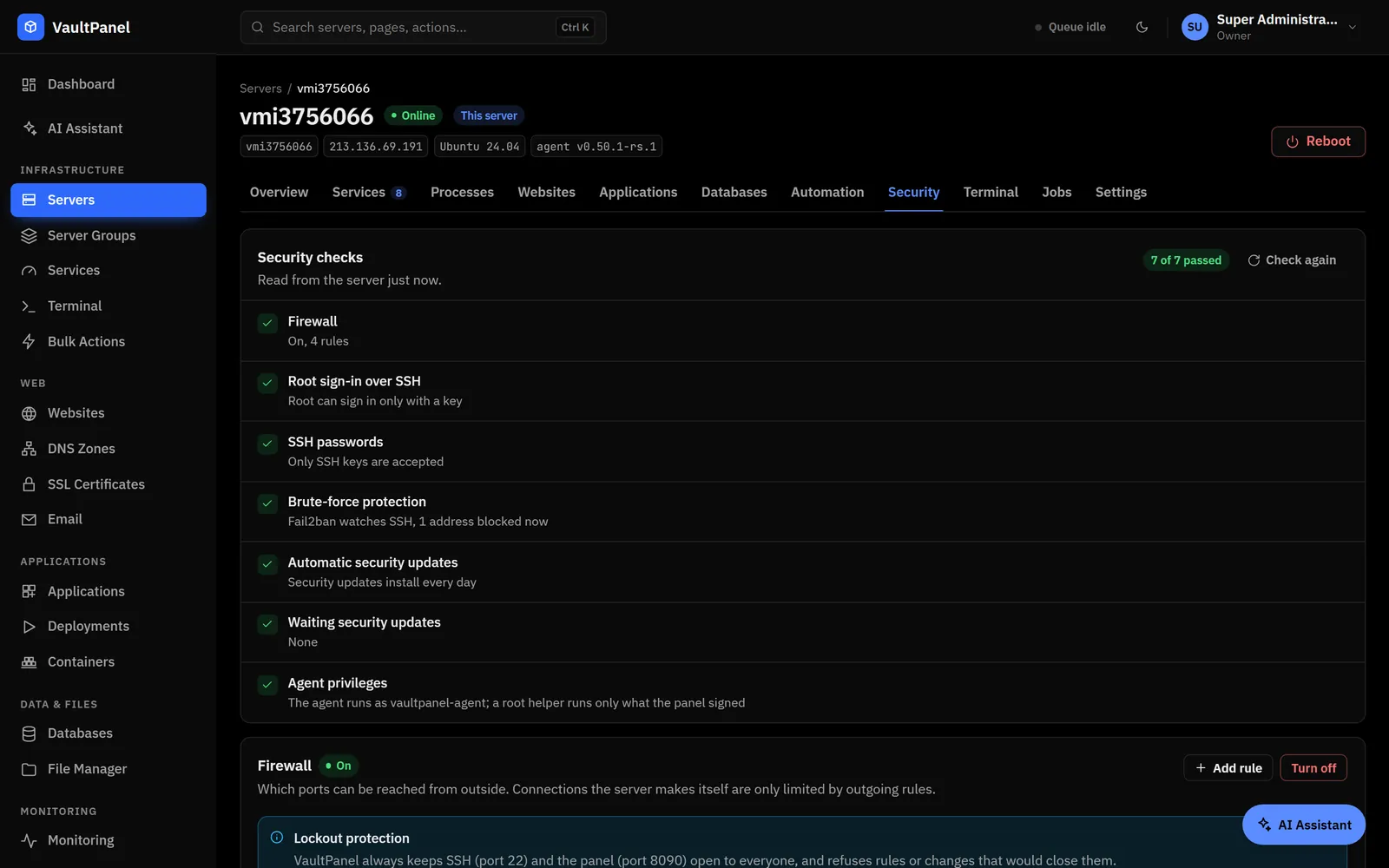
- UFW firewall rules for incoming and outgoing traffic, with lockout protection that always keeps SSH and the panel reachable.
- SSH settings, port and keys.
- Fail2ban and security updates.
- A Security tab per server that checks the firewall, root sign-in over SSH, SSH passwords, brute-force protection, updates and agent privileges.
- Per-website protection: a web application firewall (ModSecurity with the OWASP Core Rule Set) and ClamAV malware scans.