Features
Everything to run servers, websites and apps
VaultPanel covers the whole stack on a Linux server, from the firewall to the deployment, so you spend less time in the shell and more time shipping.
Server management
Every server, one view
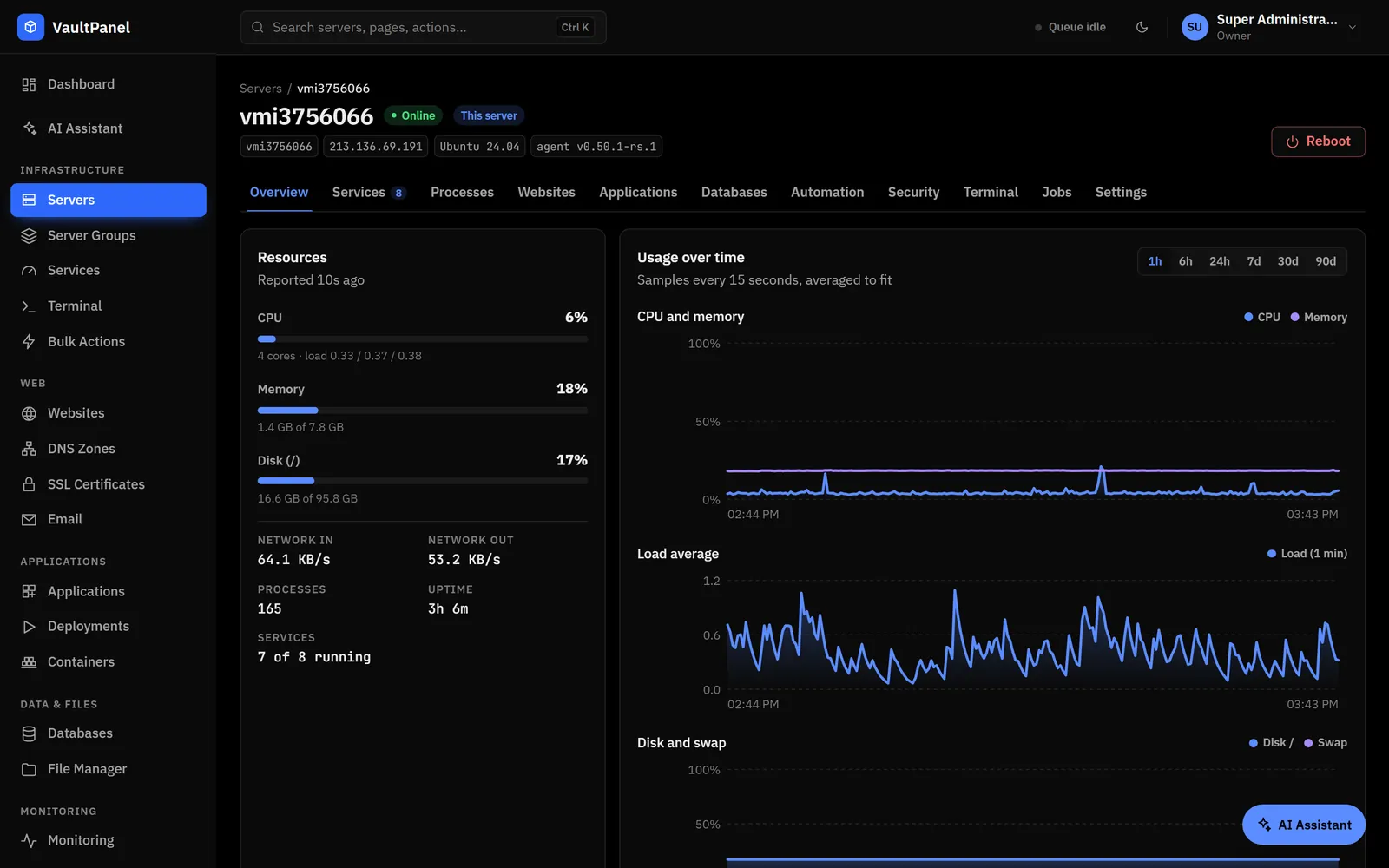
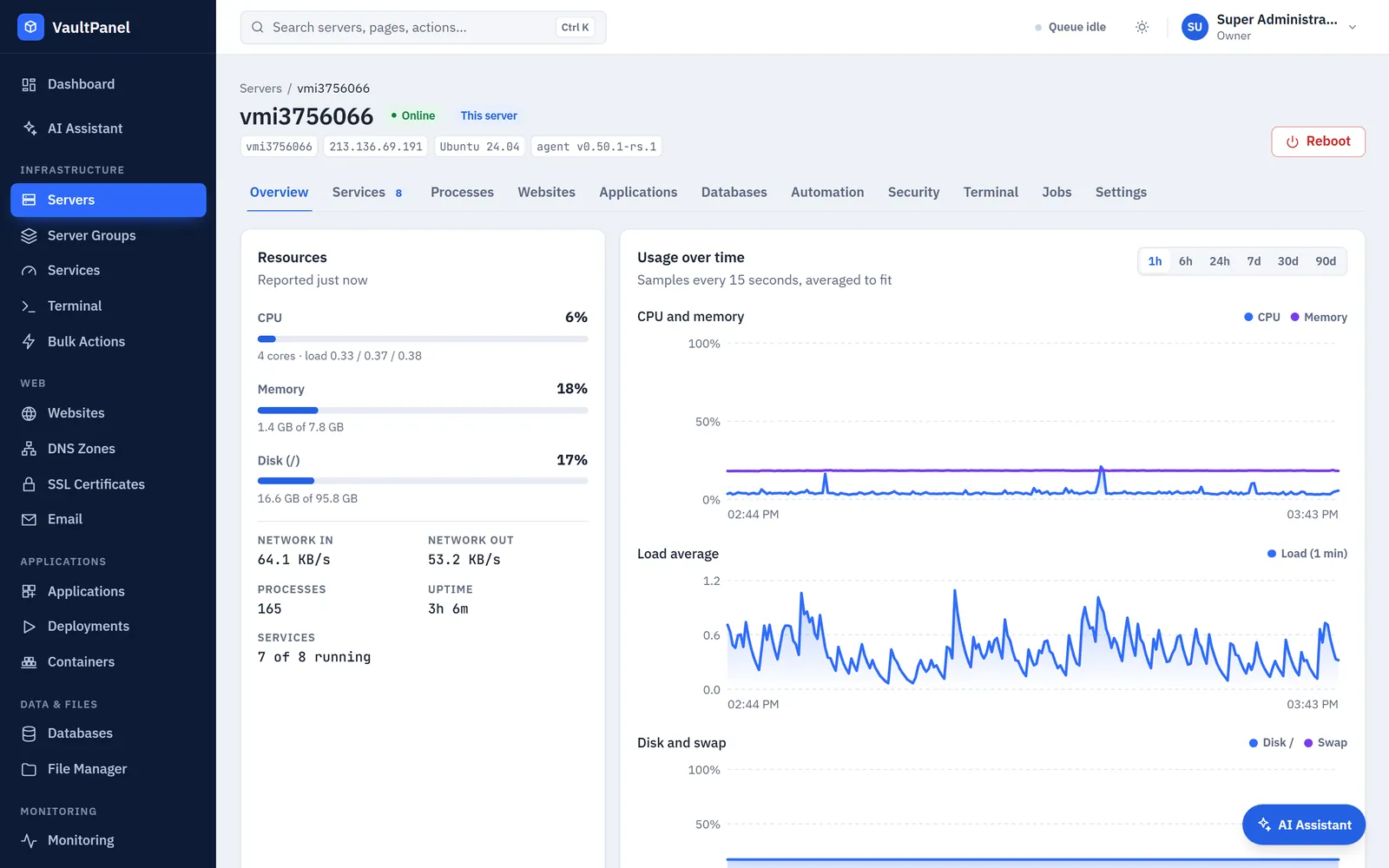
Connect Linux servers through a small agent and watch, secure and control them from the browser.
Agent-based connections
A single Rust program on each server (x86-64 or arm64) connects out to the panel over HTTPS, so managed servers need no inbound port for VaultPanel.
Live and historical monitoring
CPU, memory, disk, network, load, services and processes, with charts and alerts by email and webhook.
Self-check every five minutes
Each server confirms the panel’s features will work there (nginx -t, Certbot’s timer, the clock, failed units) and shows the command to fix a failure.
Browser terminal with recordings
Owners can open a root terminal in the browser; sessions can be recorded, replayed and downloaded.
Server groups and bulk actions
Restart a service, install updates, reboot one server at a time or update agents across a whole group.
Searchable logs
Read and search the system journal, NGINX logs and app logs from the panel.
Web hosting
Websites with NGINX, PHP and SSL set up for you
Static sites, PHP sites on PHP-FPM and reverse proxies, with certificates, caching and protection built in.
Static, PHP and reverse-proxy sites
A PHP version per site (7.4 and 8.0 to 8.5), a single-page-app setting for static sites, and custom NGINX rules for staff.
.htaccess support
Turn on .htaccess per website through Apache behind NGINX.
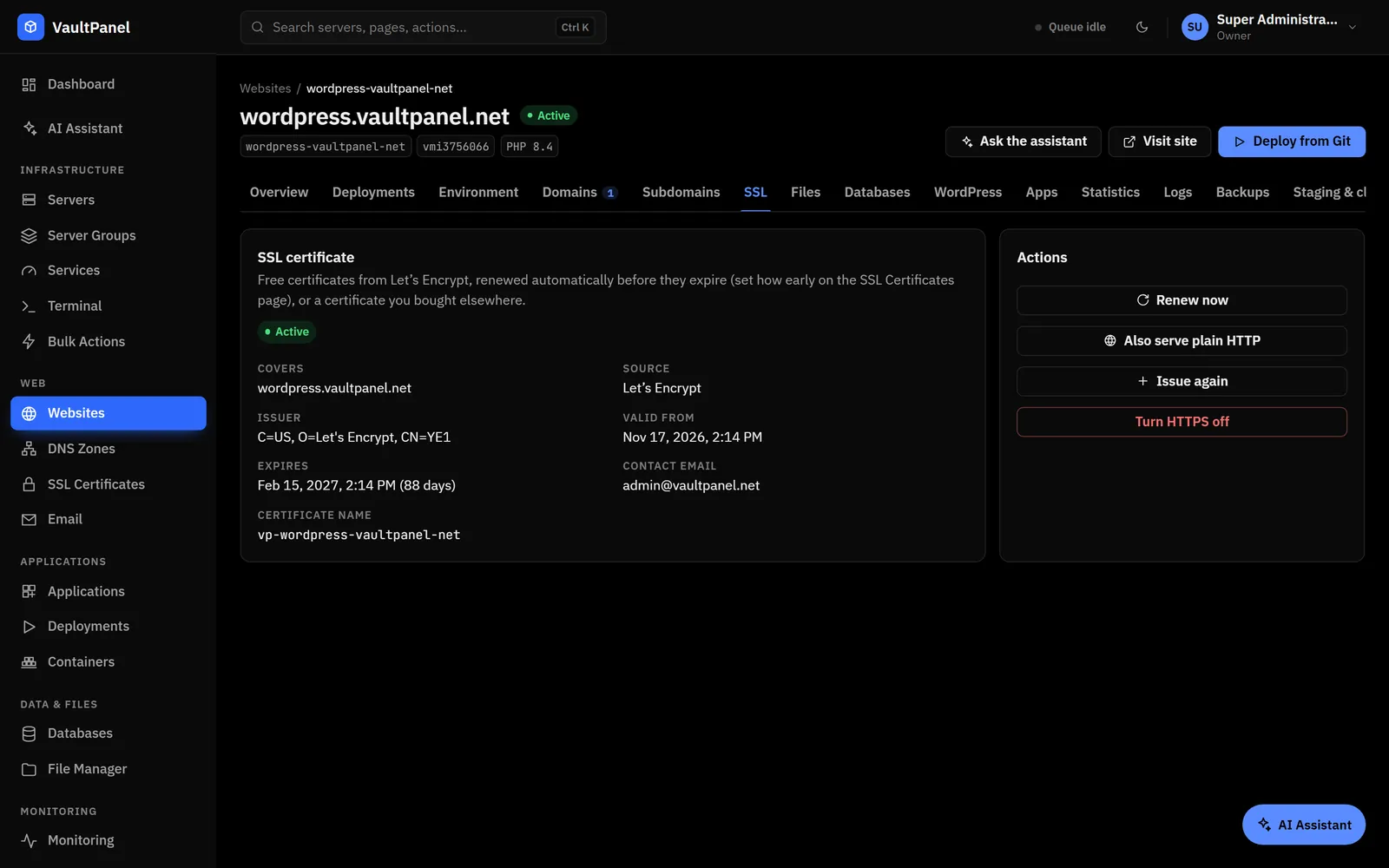
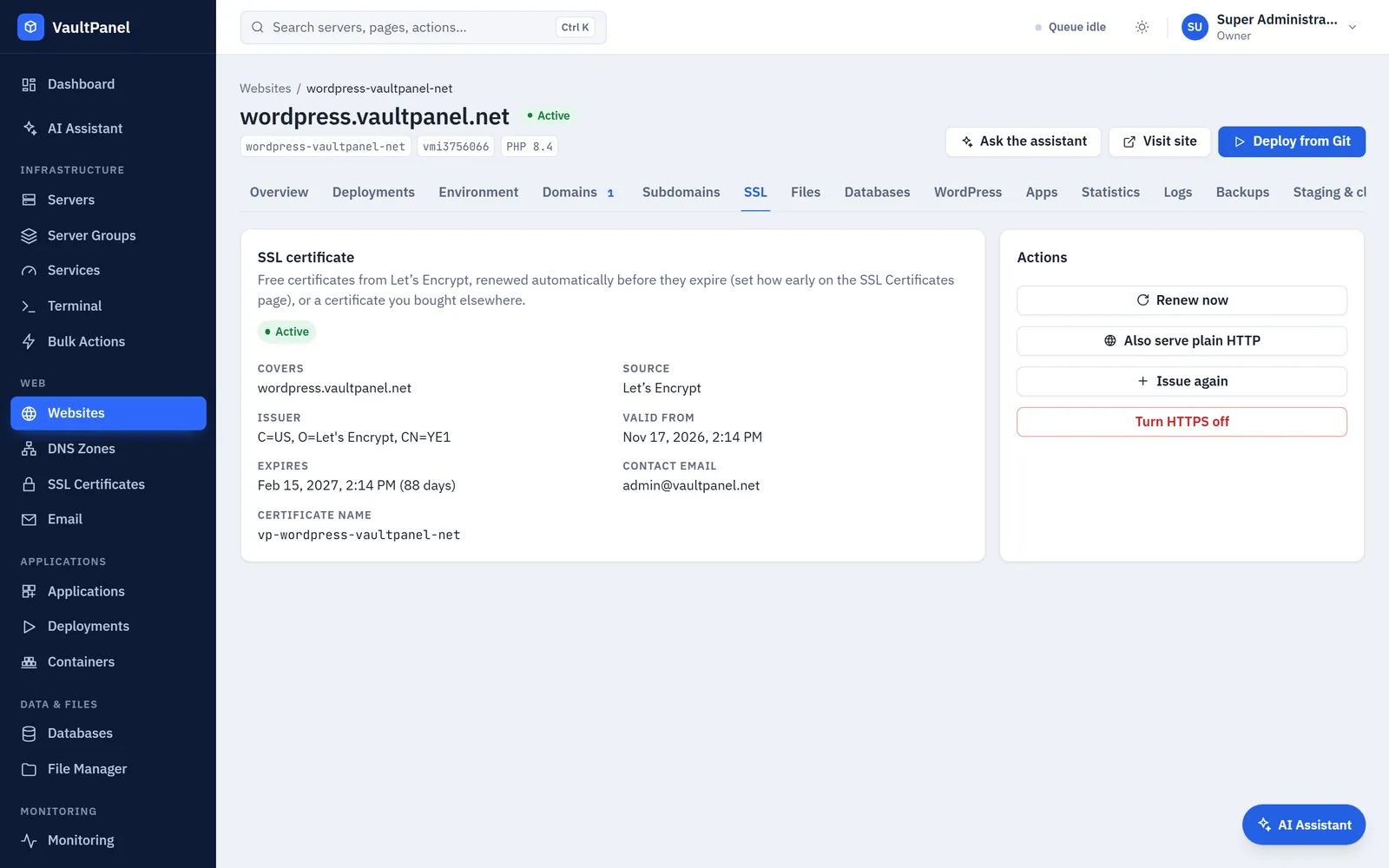
Free and wildcard SSL
Let’s Encrypt certificates, your own uploaded certificates, and wildcard certificates through the panel’s DNS zones, Cloudflare or Namecheap.
One-step CMS installs
Install WordPress, Joomla, Drupal or Laravel with its database, plus WordPress tools, staging copies and clones.
Files, SFTP and uptime
A file manager, SFTP locked to the site’s own folder, DNS checks and uptime monitoring with a Website down alert.
Firewall, malware scans and caching
ModSecurity with the OWASP Core Rule Set per site, ClamAV scans with quarantine, a page cache and a Redis object cache for WordPress.
Application deployment
Deploy from Git, roll back in seconds
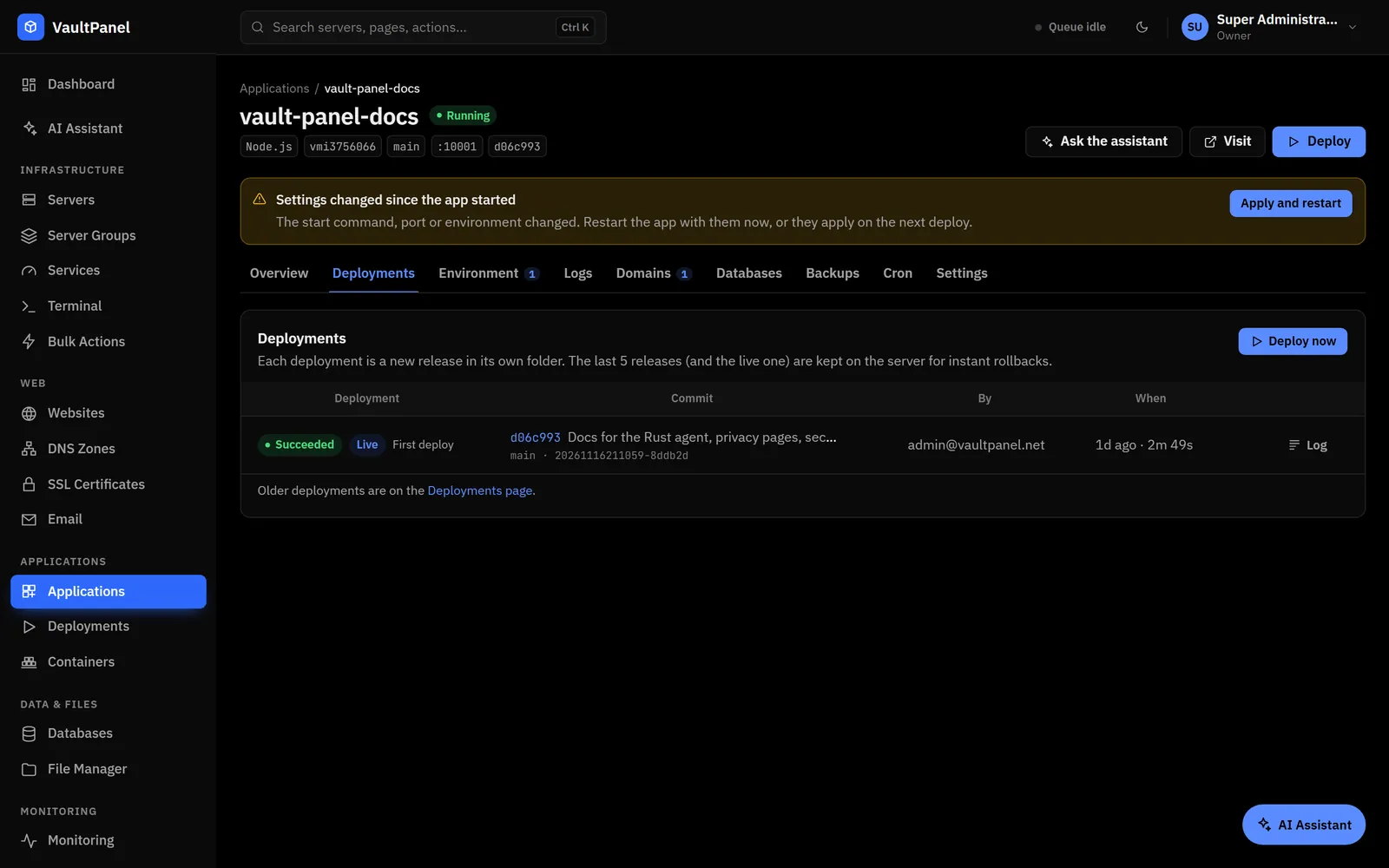
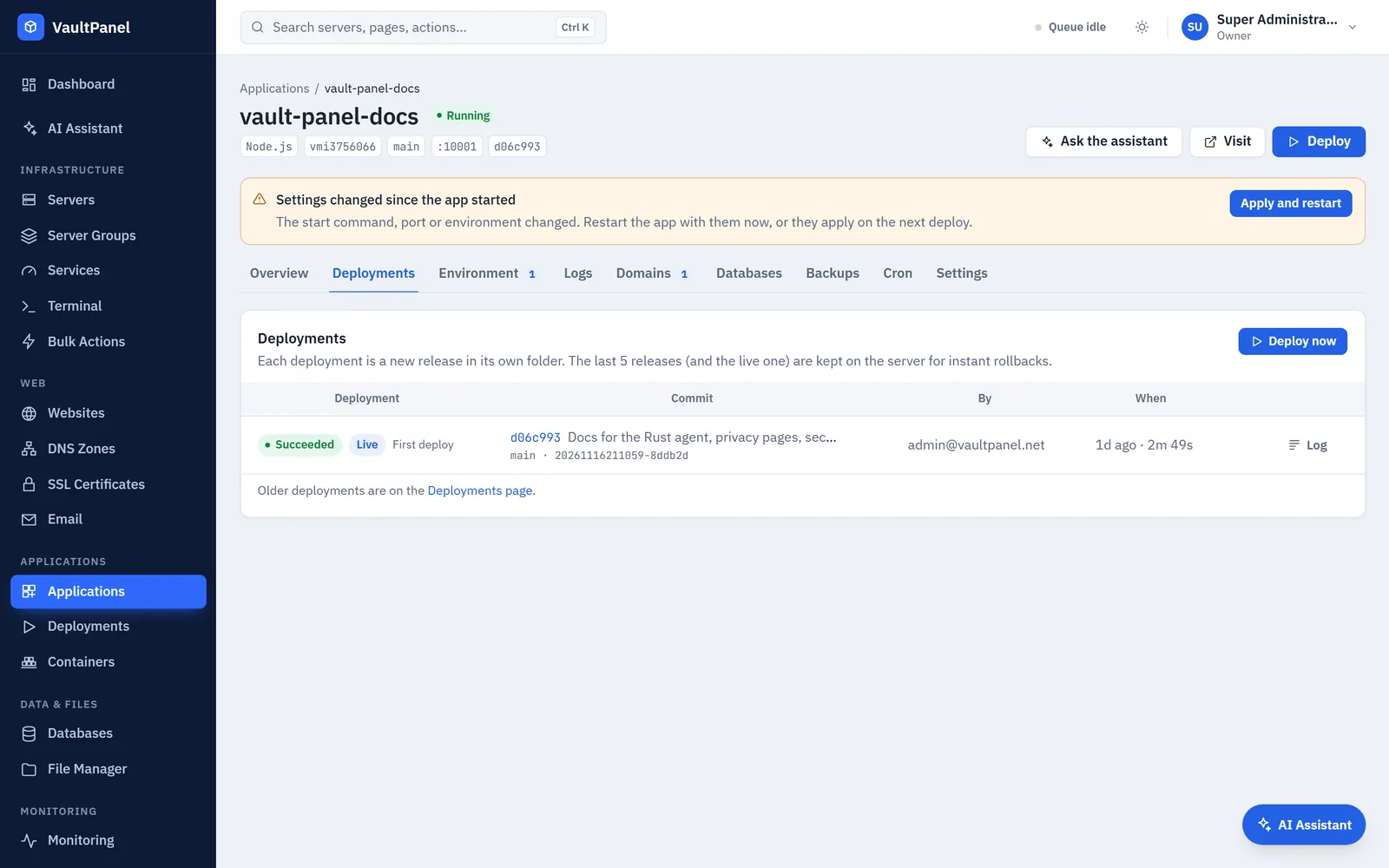
Node.js, Python, Go and Ruby apps deploy into release folders and run under PM2 as their own Linux user.
Staged deployments with health checks
Fetch, install, build, configure, start and health-check. The running release is untouched until the new one answers, and a failing release is switched back.
Push to deploy
Signed webhooks from GitHub, GitLab, Gitea, Forgejo or Bitbucket deploy every push to the app’s branch.
Rollbacks and zero-downtime reloads
Roll back to a kept release without rebuilding. Node.js apps reload without dropping requests.
Domains, SSL and limits
Link an app to a website for its domain and certificate, run several copies on one server, and cap CPU and memory.
Docker containers
Run public images with ports, volumes, environment variables and limits; updates roll back when the new container does not start.
PHP sites from Git
PHP websites can also deploy from Git into releases.
Databases and backups
Databases and backups you can restore
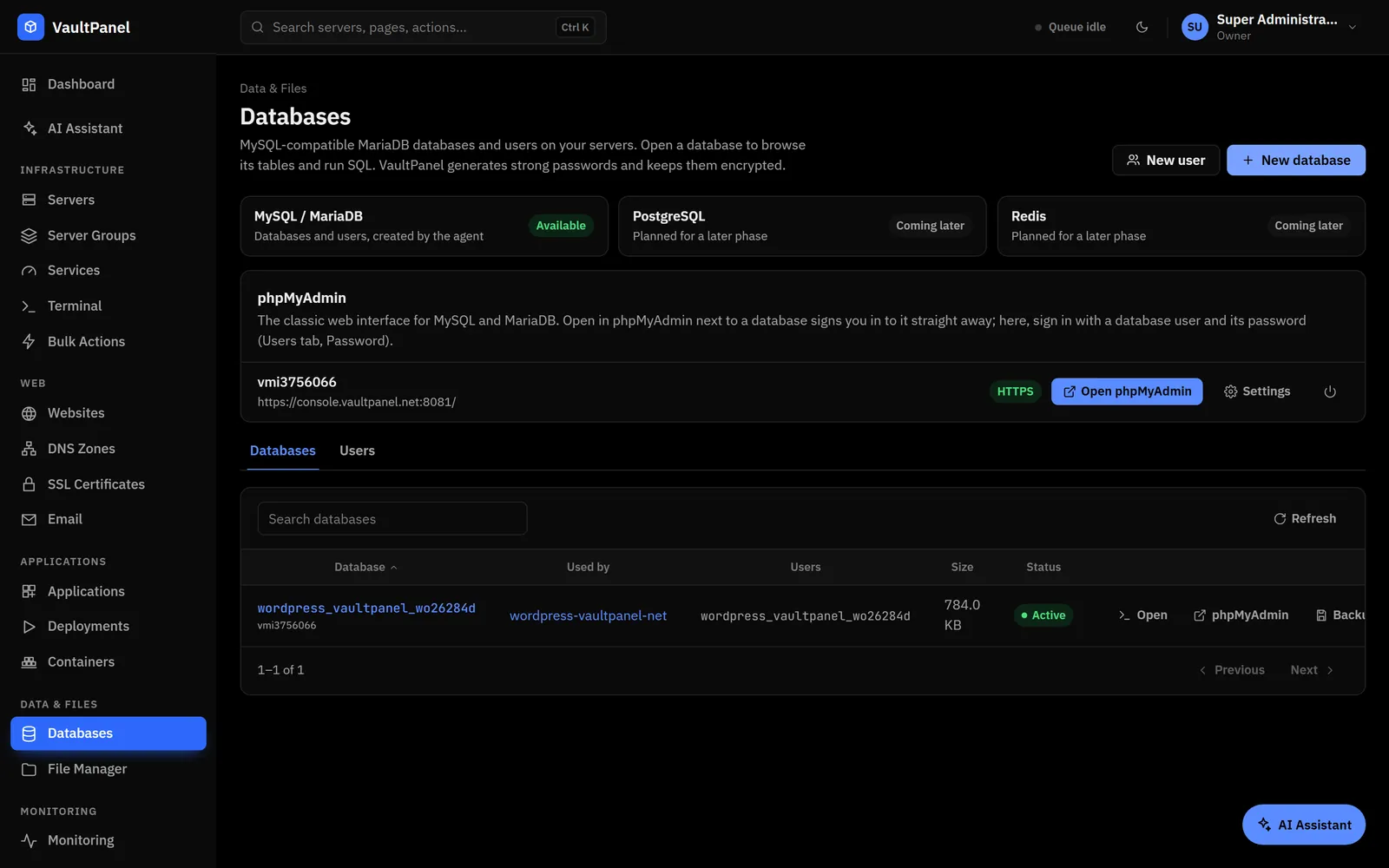
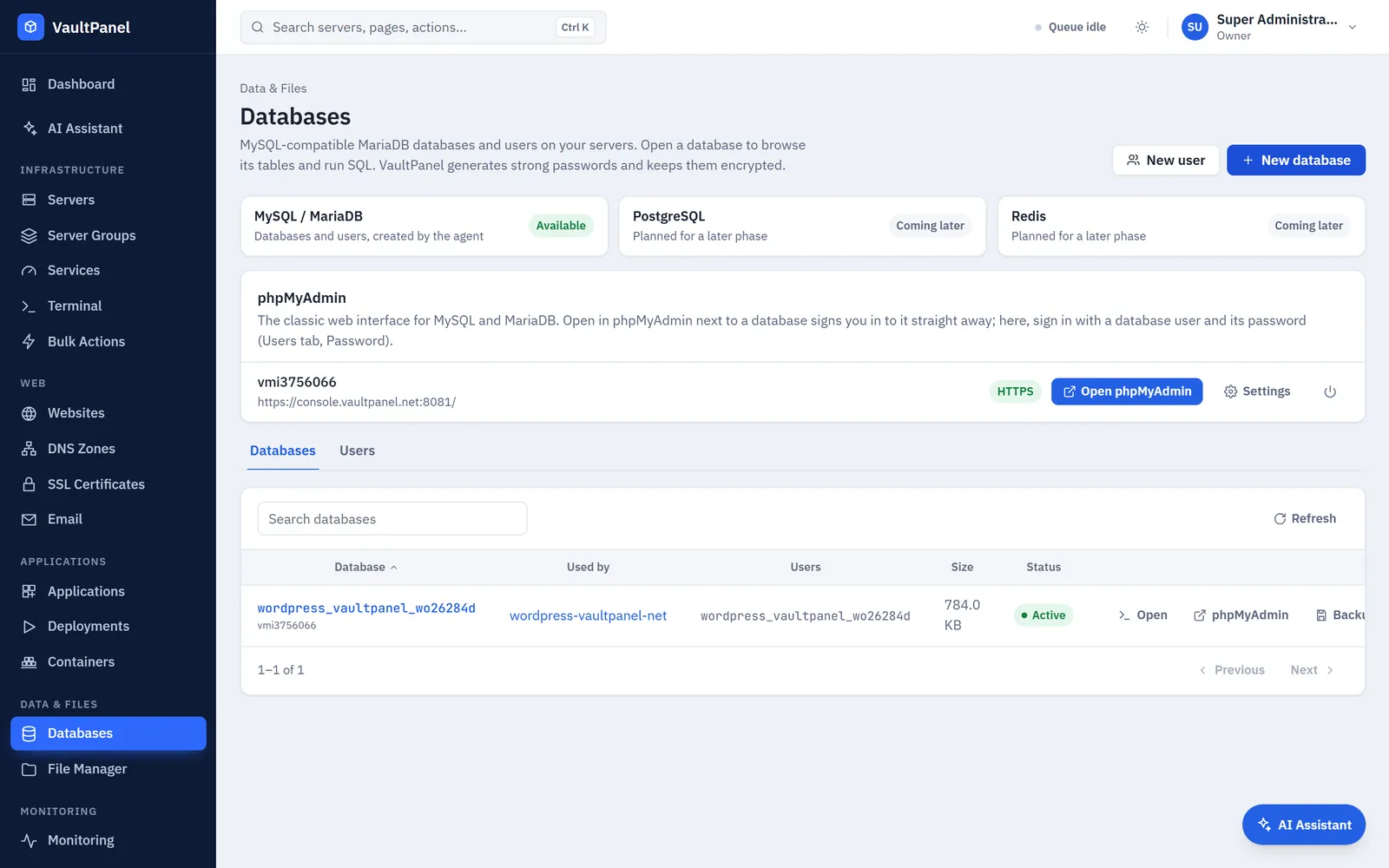
MariaDB with a SQL client and phpMyAdmin, plus scheduled backups to the server, S3-compatible storage or SFTP.
MariaDB databases and users
Generated passwords, added to an app’s environment in one step, with import and export of .sql files.
SQL client and phpMyAdmin
Browse a database in the panel’s SQL client or open phpMyAdmin with one-click sign-in.
Scheduled and on-demand backups
Websites, apps and databases to the server, Amazon S3, Backblaze B2, Wasabi, Cloudflare R2, MinIO or another server over SFTP.
Restore in place
Restores take a safety copy first; backups can also be downloaded.
Cron jobs as the site’s user
Scheduled commands run as each site’s own user, with their output kept.
Webhooks for events
JSON, Slack or Discord notifications for backups, cron failures, deployments, alerts and servers going offline.
DNS and email
DNS zones and email on your own servers
Serve DNS with BIND and host mail with Postfix, Dovecot and OpenDKIM, managed from the panel.
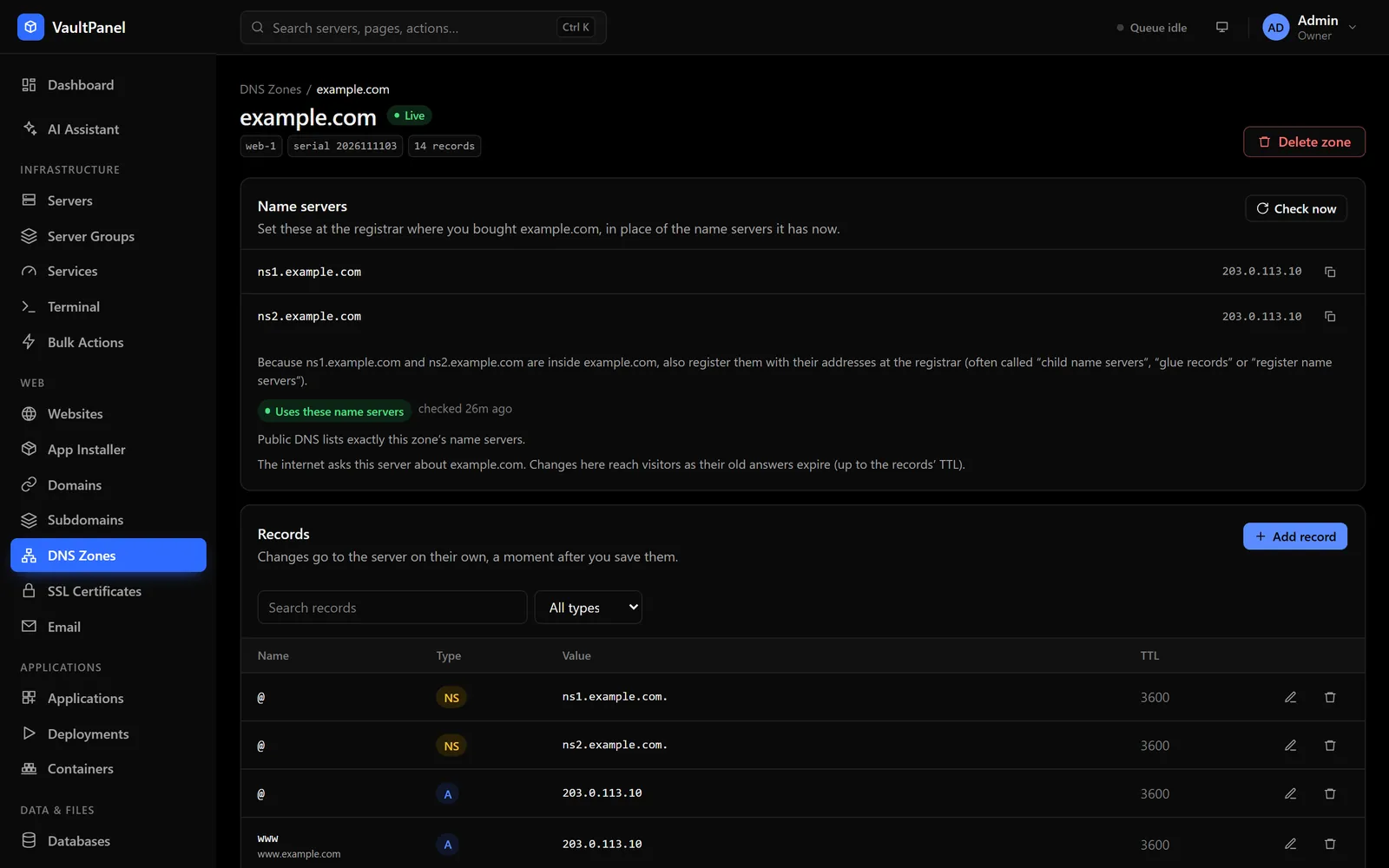
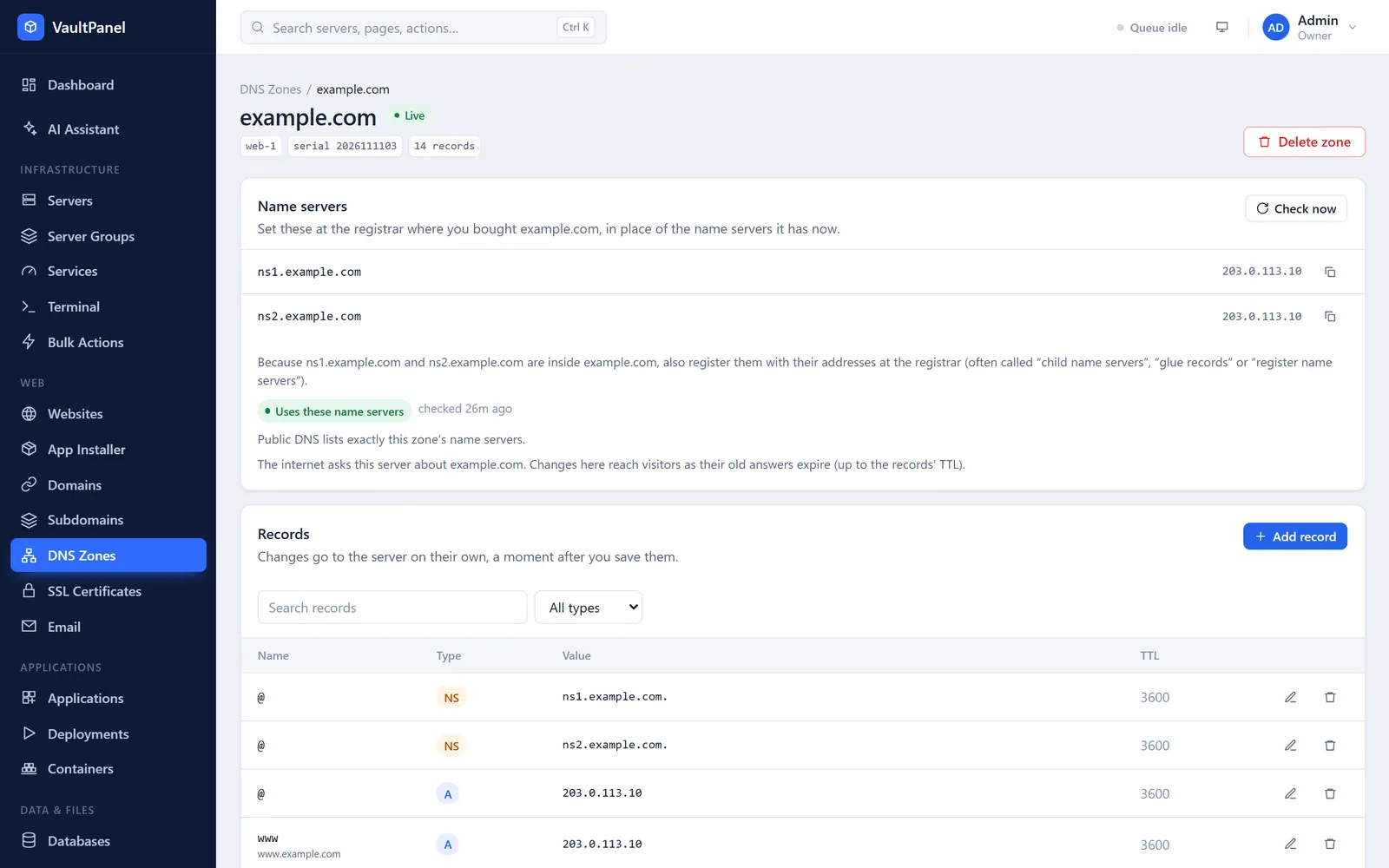
DNS zones (BIND)
Zones served by your own servers, with a check that public DNS uses your name servers.
Email hosting
Mailboxes, forwarders and DKIM-signed mail with Postfix, Dovecot and OpenDKIM.
Spam filtering and webmail
Rspamd moves spam to Junk; Roundcube webmail installs on a website of its own.
Move from cPanel
Upload a cPanel full backup to move its websites, databases and email to one of your servers.
Hosting and billing
Built for selling hosting
Hosting plans with quotas, customer accounts that see only their own resources, and a billing API.
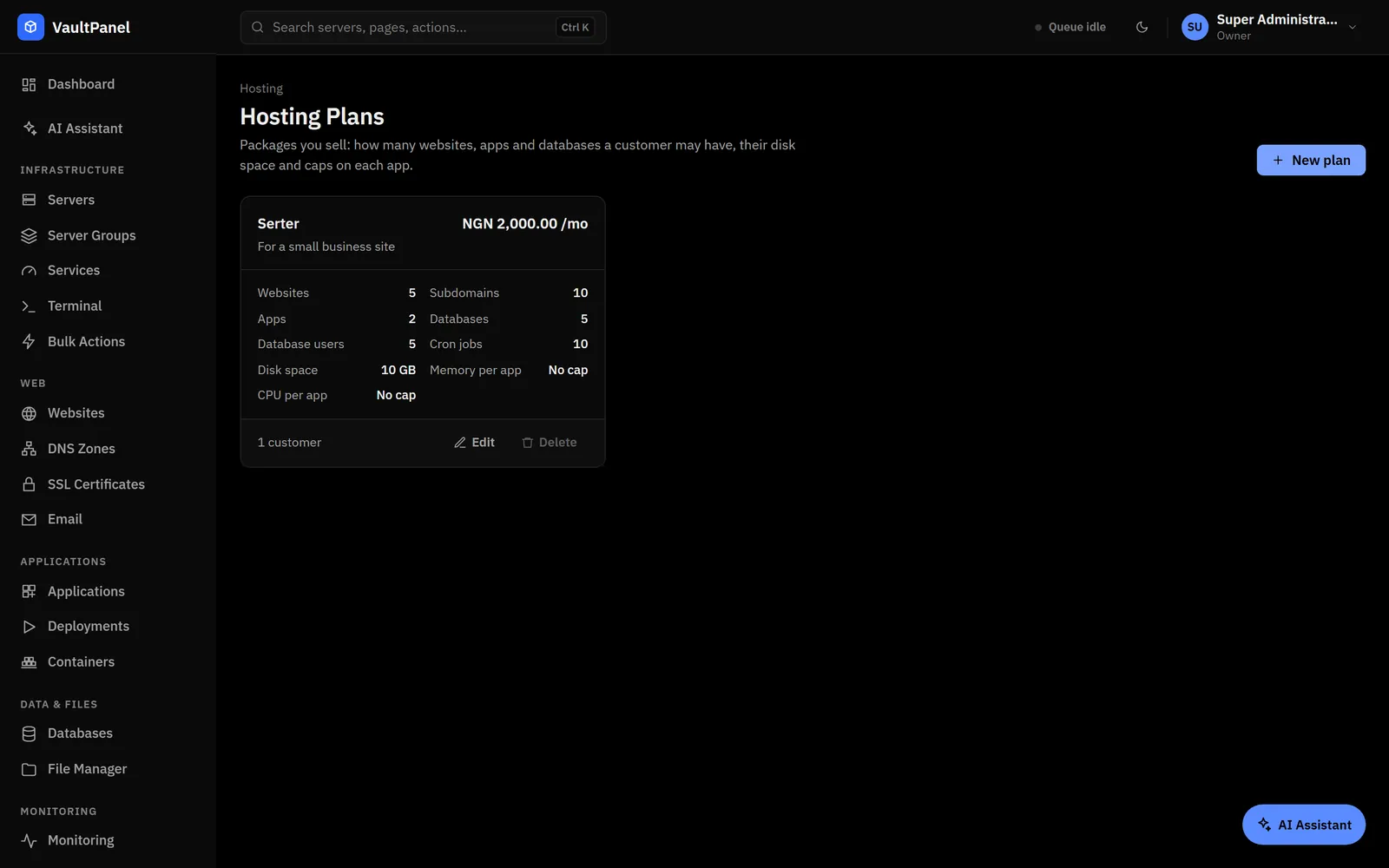
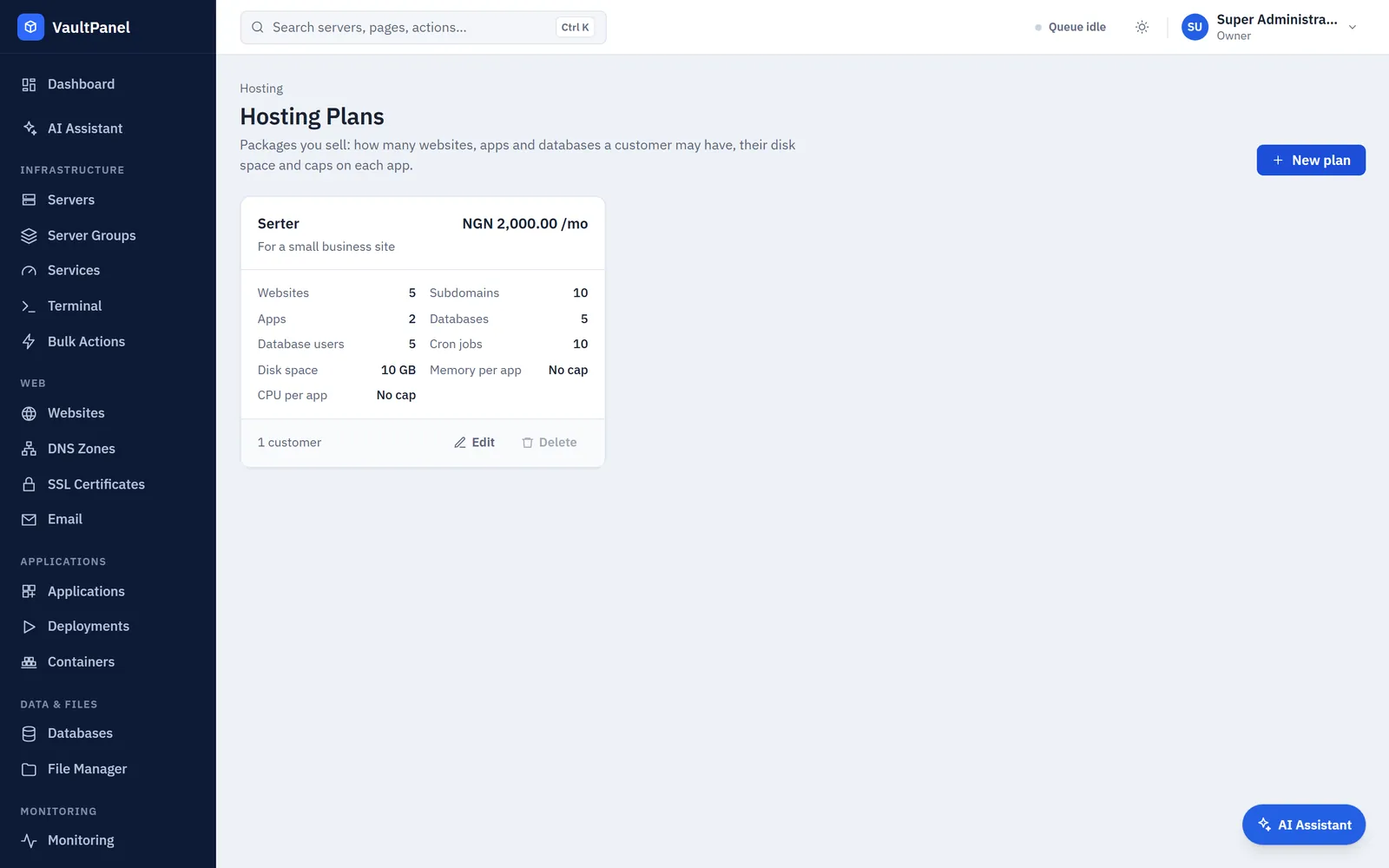
Hosting plans and quotas
Limit websites, apps, databases, cron jobs and disk space per plan, with CPU and memory caps per app.
Customer accounts
Customers sign in to a panel that shows only their own account, and can be suspended and removed.
Billing API and WHMCS module
WHMCS, Blesta or your own billing system manage accounts; the included WHMCS module creates, suspends, upgrades and terminates, with single sign-on.
Financial report
See what accounts are worth at their plans’ prices.
Security and access control
Secure by design, audited by default
Every change is a signed job from a fixed catalog, every action is audited, and the panel itself runs unprivileged.
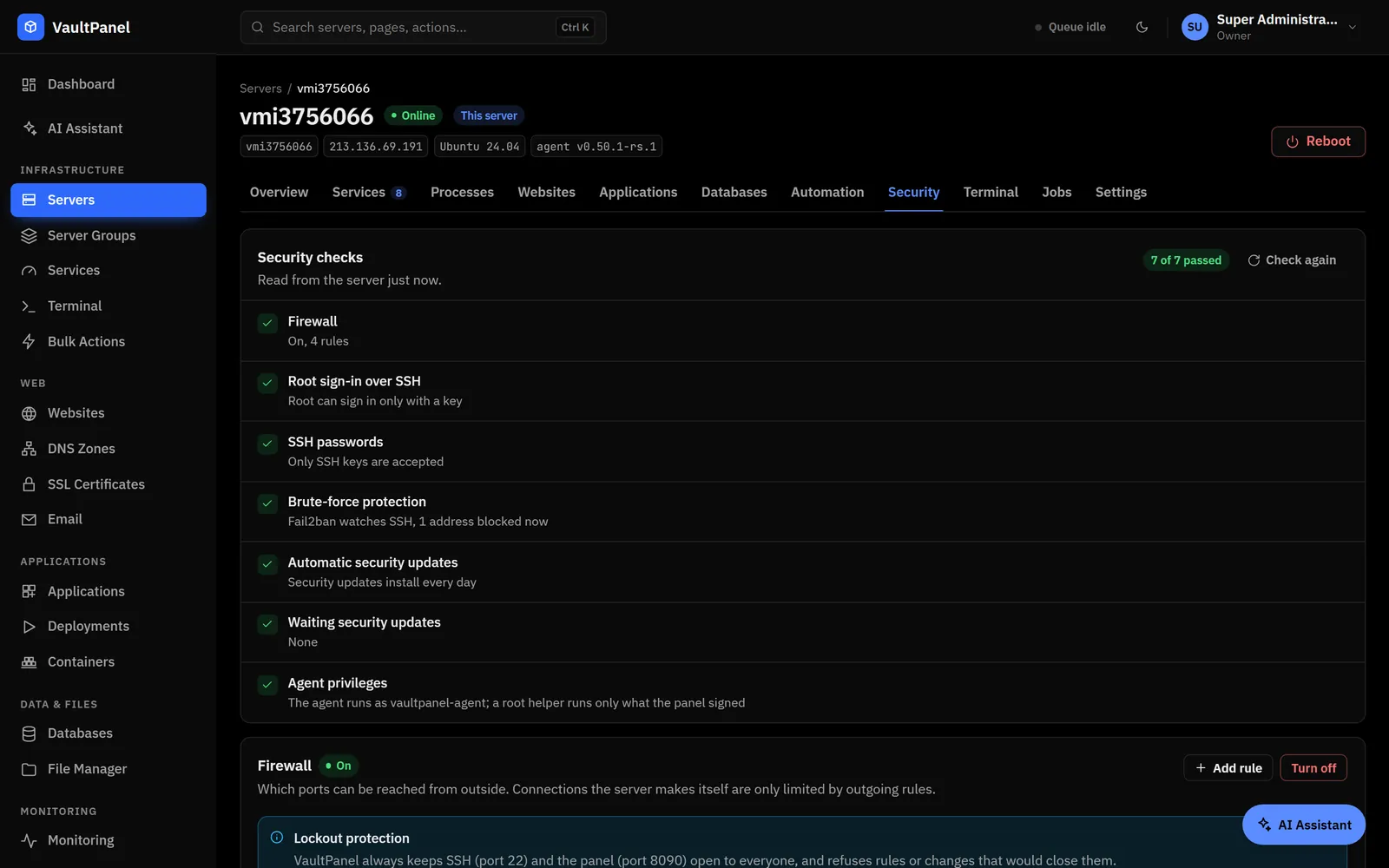
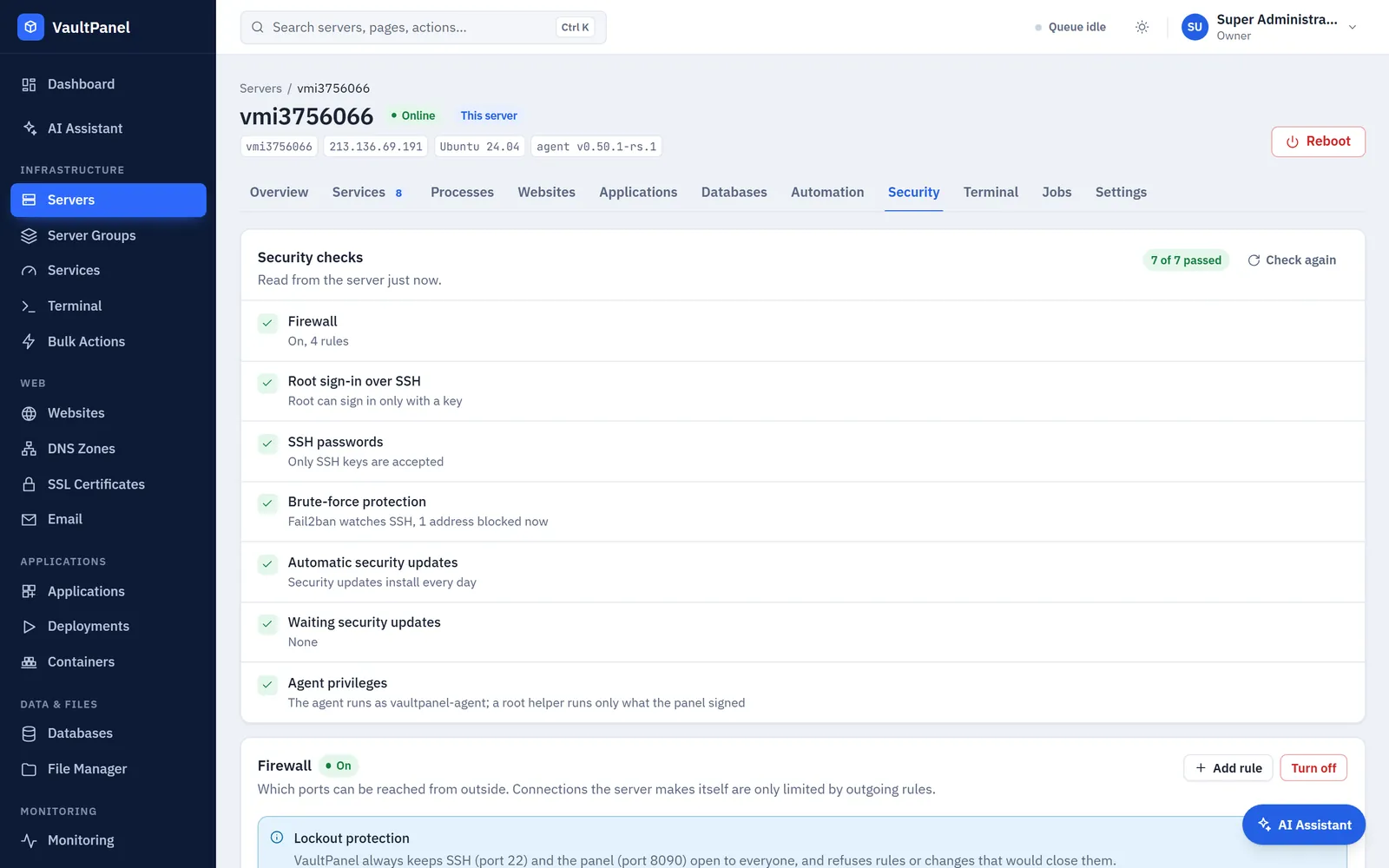
Signed jobs, no arbitrary commands
The panel signs each operation; the agent verifies it and runs fixed commands without a shell. There is no endpoint that runs arbitrary commands.
Two-factor sign-in and passkeys
Optional 2FA with recovery codes, passkeys, a session list and panel access limited by IP address.
Users, roles and audit log
Owner, Admin, Developer, Viewer and Customer roles, and an audit log of every change.
Firewall, SSH and Fail2ban
UFW incoming and outgoing rules, SSH settings, port and keys, Fail2ban and security updates from the panel.
Hardened panel service
Runs as an unprivileged user in a systemd sandbox and serves HTTPS from the first start.
Privacy by default
A panel and its agents send nothing to the VaultPanel project: no usage statistics, error reports or license check-ins.
API and integrations
Automate everything with the API
A REST API with scoped tokens, a JavaScript SDK, a CLI and plugins that extend the panel without changing it.
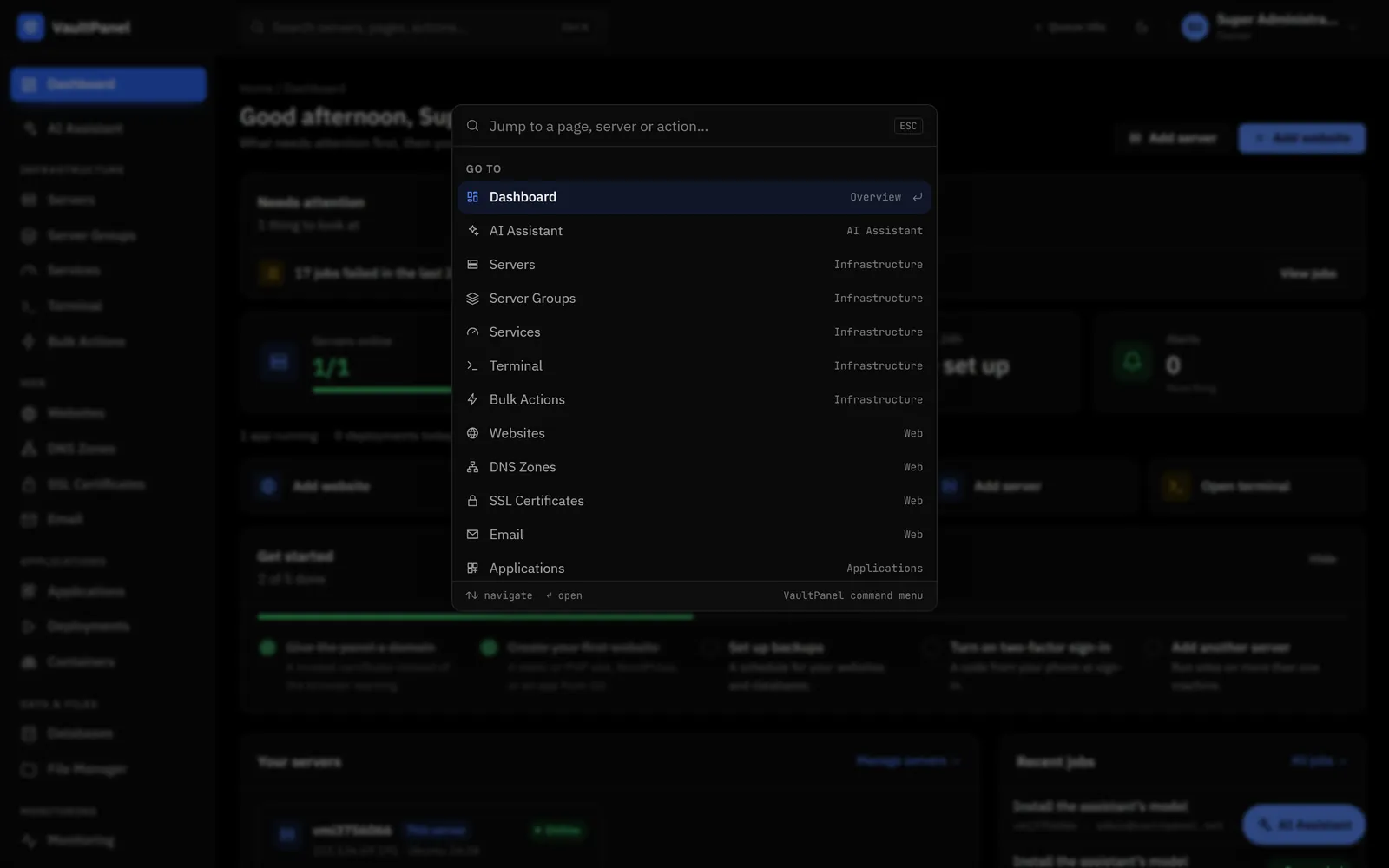
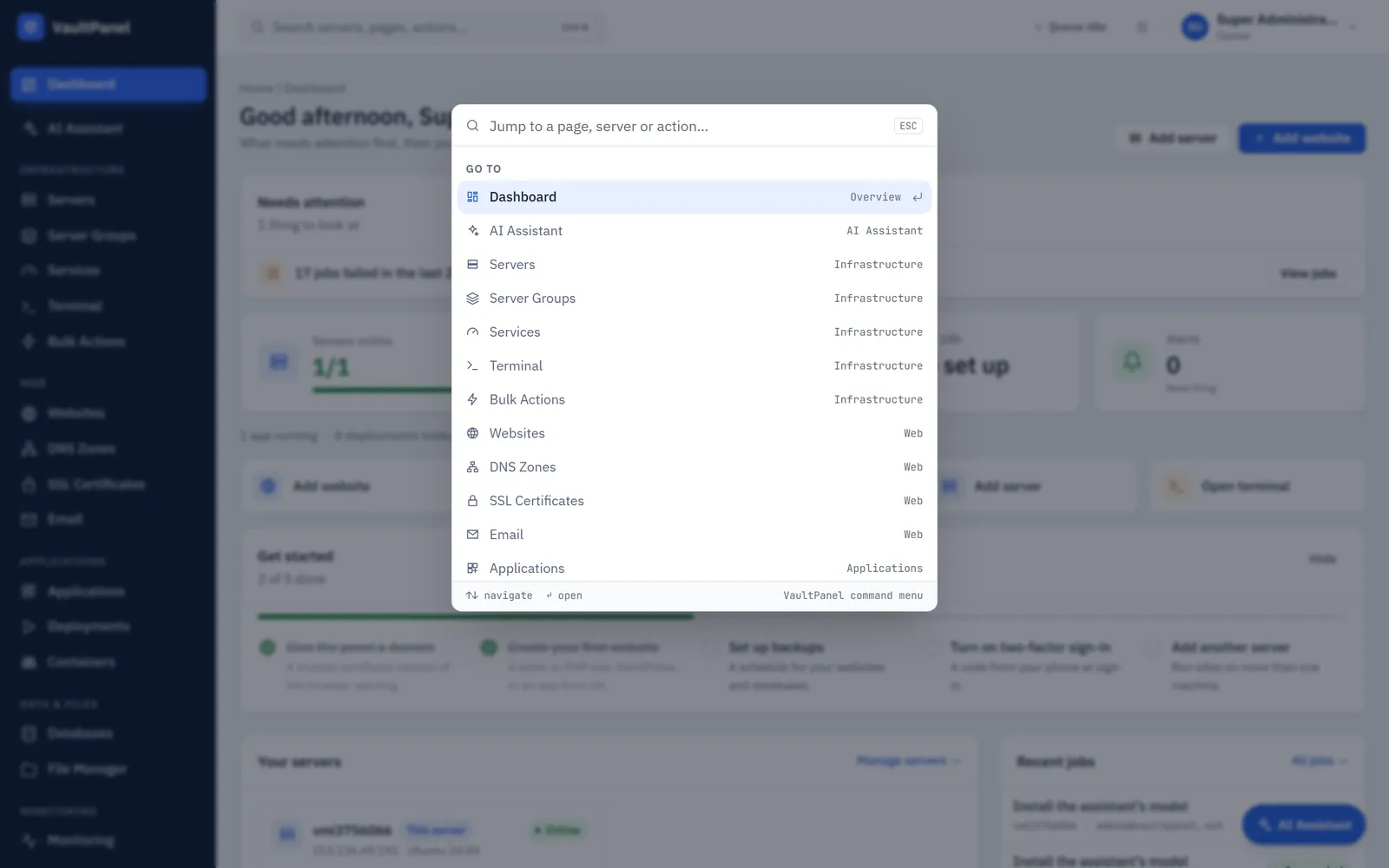
REST API with scoped tokens
Tokens narrowed to scopes such as read, deploy or servers, optionally expiring and revocable at any time.
JavaScript SDK and CLI
@vaultpanel/sdk covers the whole API; the vaultpanel CLI adds profiles, --watch for jobs and --json output.
Plugins
Approved plugins get their own scoped token, receive signed panel events and can add their own page.
AI assistant with approval
Claude or an OpenAI-compatible service such as Ollama reads status and logs and proposes fixes that run only when someone approves them.
Roadmap
Not available yet
We list what is not built so you can plan with confidence. The panel shows planned pages as unavailable, and the roadmap lists everything that is left.
- PlannedMySQL 8.4 and 8.0 for websites and apps (MariaDB is available now)
- PlannedPostgreSQL and Redis databases
- PlannedPrivate container registries and Docker Compose stacks
- PlannedRunning one app across several servers behind a load balancer
- PlannedCustom roles
- PlannedResellers (customers with their own customers)
- PlannedA Python SDK
Looking for a specific use case? See solutions for developers, hosting providers, agencies, system administrators and businesses.
Take Control of Your Infrastructure.
Install VaultPanel on your own Ubuntu or Debian server and manage websites, apps and servers from one panel. Free to use.